It usually begins with a jolt: a bright red pop-up freezes the screen, an alarm sounds, and a message warns that the computer is infected and that a support line must be called at once. Nothing is actually wrong with the machine, but the panic is the point. That fake alert is the opening move of a tech-support scam, one of the schemes that most consistently separates older Americans from their savings.
How a tech-support scam turns a pop-up into a payday
The trap can arrive as a pop-up window, an email, or an unsolicited phone call, all built to convince the target that a serious computer problem demands immediate action. The message directs the person to call a number or click a link to reach “support.” On the other end is not a technician but a scammer, whose first request is usually permission to connect to the computer remotely so they can “diagnose” the trouble.
Once granted that access, the fake technician stages a show. They open ordinary system files and point to them as dangerous viruses, run harmless tools that look alarming, and describe an emergency that only they can fix. The performance is designed to justify what comes next: a demand for payment to repair the invented problem, or instructions to move money to “protect” it from the supposed threat.
Some versions escalate further by claiming the computer’s owner has been hacked or that their bank account is under attack. In that telling, the “technician” hands the victim off to a supposed bank or government official, or plays both roles, and insists the only way to keep the savings safe is to move it into a new account or convert it to another form of payment right away. What began as a computer complaint quietly turns into a direct attempt to empty a checking or retirement account, all while the victim believes they are being rescued.
Free retirement updates: Scam calls targeting retirees change every week. Our free Retirement Shield newsletter flags the ones going around and the one tell that stops each. Sign up free.
Where the money actually goes
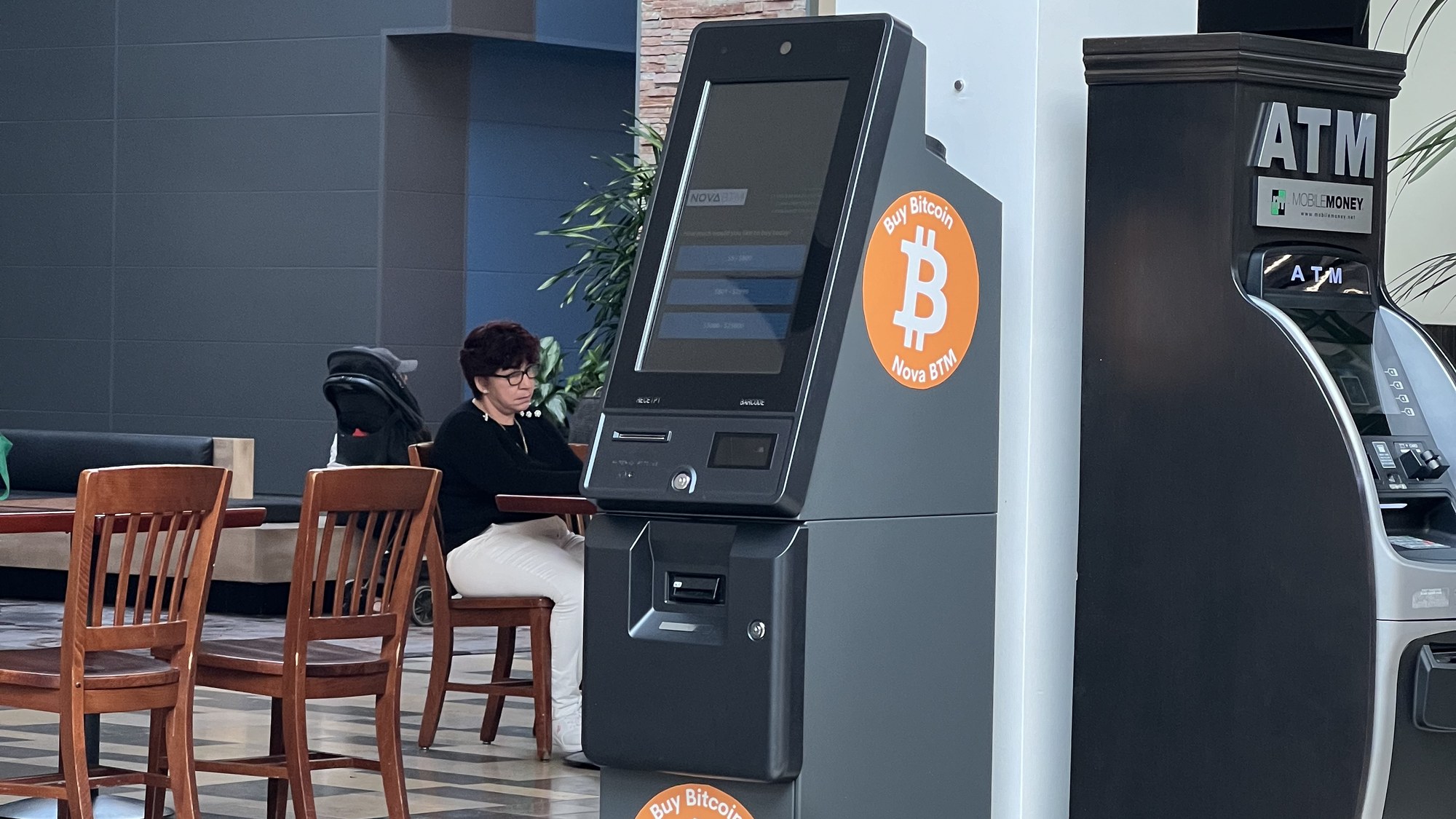
The payment methods reveal the fraud. Rather than a normal charge, victims are steered toward gift cards read aloud over the phone, wire transfers, or cryptocurrency, all channels that are fast and nearly impossible to reverse. In some versions, the scammer claims the victim’s accounts have been hacked and insists the money be moved to a “safe” account that, in reality, belongs to the criminal.
The Federal Trade Commission’s guidance on tech-support scams stresses that older adults are targeted heavily and that the losses can be devastating, because a single session of remote access and a few pressured payments can reach into retirement funds built over decades. Once gift-card codes or wired cash leave the victim’s hands, recovery is rare.
The tell that exposes every version
One rule cuts through the confusion: legitimate technology companies do not put a phone number inside a virus warning, and they do not cold-call people to announce that their computer is infected. A real security alert from an operating system or antivirus program never instructs a user to dial a support line to be rescued. Any pop-up or call that does is a scam by definition, no matter how official the logos or how urgent the voice.
Understanding that single fact defuses the pressure the scheme depends on. The alarm, the countdown, the warning that files will be lost, all of it is theater meant to push a person into acting before thinking. Recognizing the theater for what it is removes its power.
Shutting the scam down before money moves
The safest response to a suspicious pop-up is to ignore the number on the screen entirely and never call it. Because these alerts can lock up a browser, the FTC advises simply shutting the computer down and restarting it, which clears the fake warning without any contact with the scammer. If a caller phones out of the blue claiming to be tech support, hanging up is the right move.
Just as important, no unsolicited caller or pop-up contact should ever be granted remote access to a computer, since that access is what lets the fraud unfold. Anyone who has already given access or made a payment can limit the damage by disconnecting the device from the internet, changing passwords from a different device, contacting the bank or card issuer, and reporting the incident to the FTC.
Families can add a layer of protection by agreeing on a simple rule in advance: any alarming computer message or unexpected “support” call gets discussed with a trusted relative before a single dollar or password is shared. Scammers rely on catching a person alone and rushed, so a quick pause to ask someone else often ends the scheme on the spot. For retirees who manage their finances online, treating every unexpected infection warning as a lure rather than a fact is the habit that keeps a fake pop-up from becoming a real loss.
This article was produced with AI assistance and reviewed by The Financial Wire editorial team.
More Financial Reading
- Bank statements: how long to keep them and when to toss them
- What really happens to your joint savings account when you die?